Fitness & Gyms
Members enter free, visitors pay as they go — through the same door. Visit quotas reset with the calendar month, and class hours close by day and time.
FITNESS GYM
Drop-in
¥500/30min
Checked in
Checked in
© UnlockOS
The Challenge
- Members and drop-in visitors arrive at the same door, but reception handles them as two different jobs
- Visit quotas ('4 times a month') are counted by hand, and nobody agrees on when the count resets
- Closing the floor for a class means rebuilding the schedule instead of just declaring the hours
- Nobody can staff 05:00 or midnight, so the opening hours shrink to whoever is available
How UnlockOS Helps
- One entrance for everyone — members pass on their included allowance, visitors are the only ones charged
- Visit quotas are counted by the system and reset on the first of the calendar month, in the facility's own timezone
- Class and school hours close by declaring the weekday and time range — no slots to rebuild
- Keys are issued to the guest's own phone at any hour, and open sessions settle themselves at closing time
The questions unmanned gyms actually ask
These come up in every gym onboarding, and the honest answer matters more than the feature list — because two of them are things the system does not do by itself.
A member's card failed. My terms say access stops — does it?
Not on its own. A failed charge leaves the membership active while the card issuer's retries play out, which is usually what you want. To stop access the same day, cancel the membership from the dashboard: keys stop being issued from that moment.
When exactly does a 4-visit allowance reset?
On the first of the calendar month, in the facility's timezone — not on the member's signup anniversary. Every member resets on the same day, which is the version you can put in writing.
Someone leaves without tapping out on a pay-after plan.
Turn on a deposit for the plan and the card is authorized for the capped amount on entry, with the difference released at checkout. Without it, an unattended exit records the amount owed but has no card to charge.
There is nobody here at 2am if something happens.
The emergency contact and house rules ride along with the key — on the key screen, the completion screen, and the confirmation email — so they are in front of the guest at the moment they need them.
I want a real checkbox for the waiver.
The form has required dropdowns rather than checkboxes today. A required 'I agree' choice blocks submission the same way; it just does not look like a tick box.
Flexible pricing for every scenario
Flat + Overtime (per visit)
An opening block, a repeating overtime unit, and a cap on a single visit.
First 30 min ¥500, then ¥500 per 30 min, capped at ¥1,500 per visit
Flat + Overtime (long-stay ladder)
A large opening block with a small overtime unit, so long sessions cost less per hour.
First hour ¥1,100, then ¥200 per hour — 3h and 5h land well below hourly
Unlimited Membership
A monthly fee that covers the linked plans outright. Billed on the first of each month, prorated for the first.
¥5,500/month — visits cost nothing at the door
Visit-Quota Membership
A monthly fee covering a fixed number of visits. Once the allowance is used, the normal price applies.
¥2,200/month for 4 visits, then per-visit pricing from the 5th
Seamless experience from start to finish
Scan the QR at the door
Same code for members and visitors. No app to install.
Resolve who this is
An active membership covering this plan shows the included allowance; everyone else sees the price.
Agree to the terms and health declaration
Required fields on the entry form. Check-in does not complete until they are answered.
Issue the key
QR and PIN for the smart lock, valid for this session only. The session clock starts.
Train
Elapsed time and the running charge stay visible on the check-in page.
Settle on exit, or at closing
Leaving settles the session. Anyone still open at closing time is checked out automatically.
Get started in 3 steps
Build the price ladder
Set a flat opening block plus an overtime unit, with a per-visit cap. Longer sessions get cheaper per hour without listing a slot for every start time.
Point memberships at it
Choose which plans each membership covers. An unlimited monthly plan covers them outright; a visit-quota plan covers them until the allowance runs out.
Put the QR on the door
Members and visitors scan the same code. Who they are decides what they pay — and whether they pay at all.
Built for your workflow
One Door, Two Audiences
Memberships are linked to the plans they cover, so a member checking in consumes their allowance and a visitor pays. Same QR, same lock, same flow.
Flat + Overtime Pricing
An opening block, then a repeating overtime unit, then a per-visit cap. This is the shape that makes 1h / 3h / 5h pricing work without enumerating every slot.
Visit Quotas and Unlimited
Sell '4 visits a month' or unlimited access. Quotas reset on the first of the calendar month. Unlimited means setting no visit count at all — not a very large one.
Close the Floor for Classes
Block a weekday and time range and general booking stops there. Declared once, applied every week, without touching the plans.
Shared Capacity
For a floor rather than a room: cap how many people can be inside at once and let bookings share it, instead of carving the space into fake units.
Rental Gear as Options
Shoes, towels and chalk attach to a booking or a check-in as option products, priced and counted with the session.
24h Self Entry
The key arrives as a QR and PIN on the guest's phone. No staff at the door at 05:00, and no physical key to hand over.
Waivers Before the Door Opens
Terms and health declarations are required fields on the entry form. An unanswered field means check-in does not complete, so the record exists before access does.
Places already running this
See more places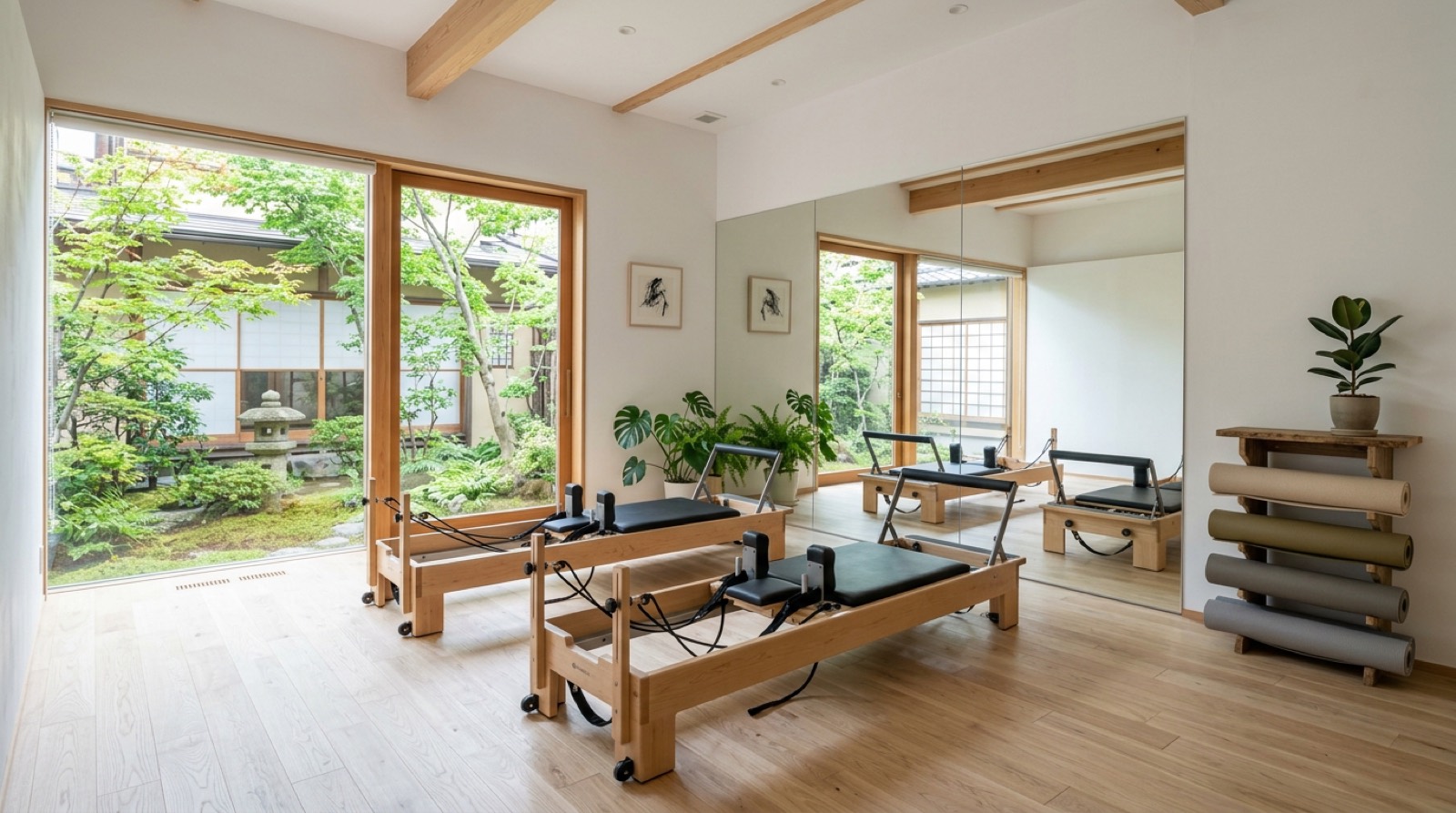
See whether it works for your space, right now
These open the screens a guest sees. You can run them all the way through — payment and key included.
Every space here is fictional. The pricing and operating patterns come from real conversations with operators.
Payments run in test mode. 4242 4242 4242 4242 / 12/30 / 123. Nothing is ever charged.
 Demo
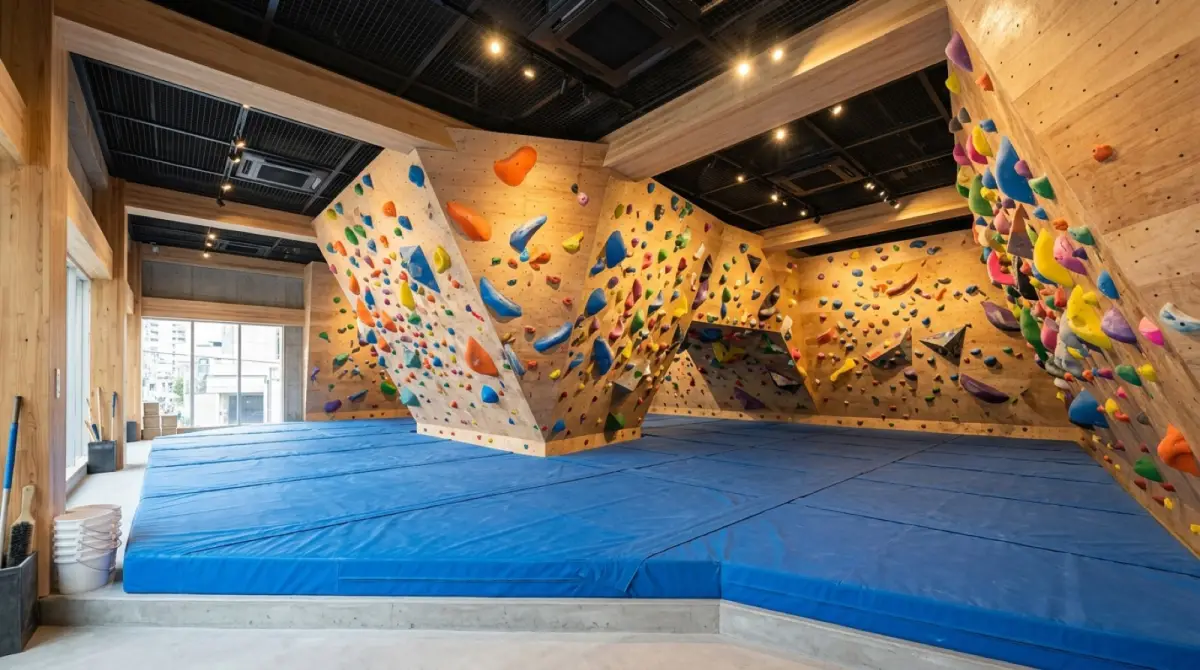
DemoKOMOREBI Bouldering Gym
Drop-in sessions and monthly passes through the same door.
- Book a session, pay with a test card, get the door key
- Sign up for a 1h / 2h / 3h monthly pass
- Block only the hours a class occupies
 Demo
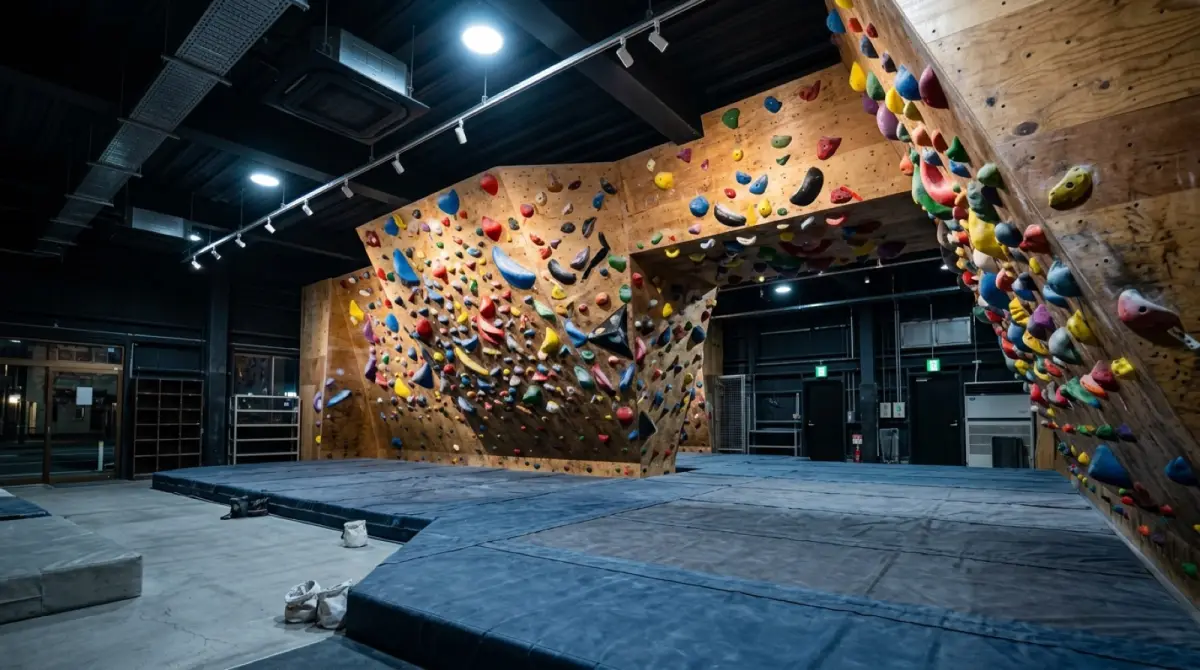
DemoMEGURO 24H Climbing
Turn up without a booking, pick a pack, walk straight in.
- Pay up front for a 2h / 3h / 1-day pack
- Monthly pass holders enter through the same door
- How an unmanned gym runs with no bookings at all
KEYVOX opens the door. UnlockOS runs the business.
KEYVOX smart locks, gates and lockers are built into UnlockOS. The moment a booking or payment completes, a key only that person can use (PIN, QR or LINE) is delivered, and it expires on its own. Hardware choice, installation and wiring are covered on the KEYVOX side.
Turnstiles, gates and the gym door are KEYVOX hardware; the KEYVOX fitness page covers what fits a 24h entrance.
See the KEYVOX page for this industryRun the next site exactly like the first
Built so you can add sites without hiring an IT team.
Open the second site by copying the first
Plans, pricing, opening hours and key rules from the first site are copied to the next one. Nothing is rebuilt from scratch.
Separate permissions for HQ and each site
HQ sees every site; a franchisee or manager sees only their own. When someone leaves, you remove their role — nothing physical to collect.
Revenue and check-ins per site
Compare revenue, check-ins and members per site from HQ. It feeds franchisee support and the next opening decision.

Ready to monetize your space?
Join property owners who automated their operations with UnlockOS.