The key, in their LINE.
Booking, membership and check-in, all in the LINE your guests already use. No app, no digging through email.
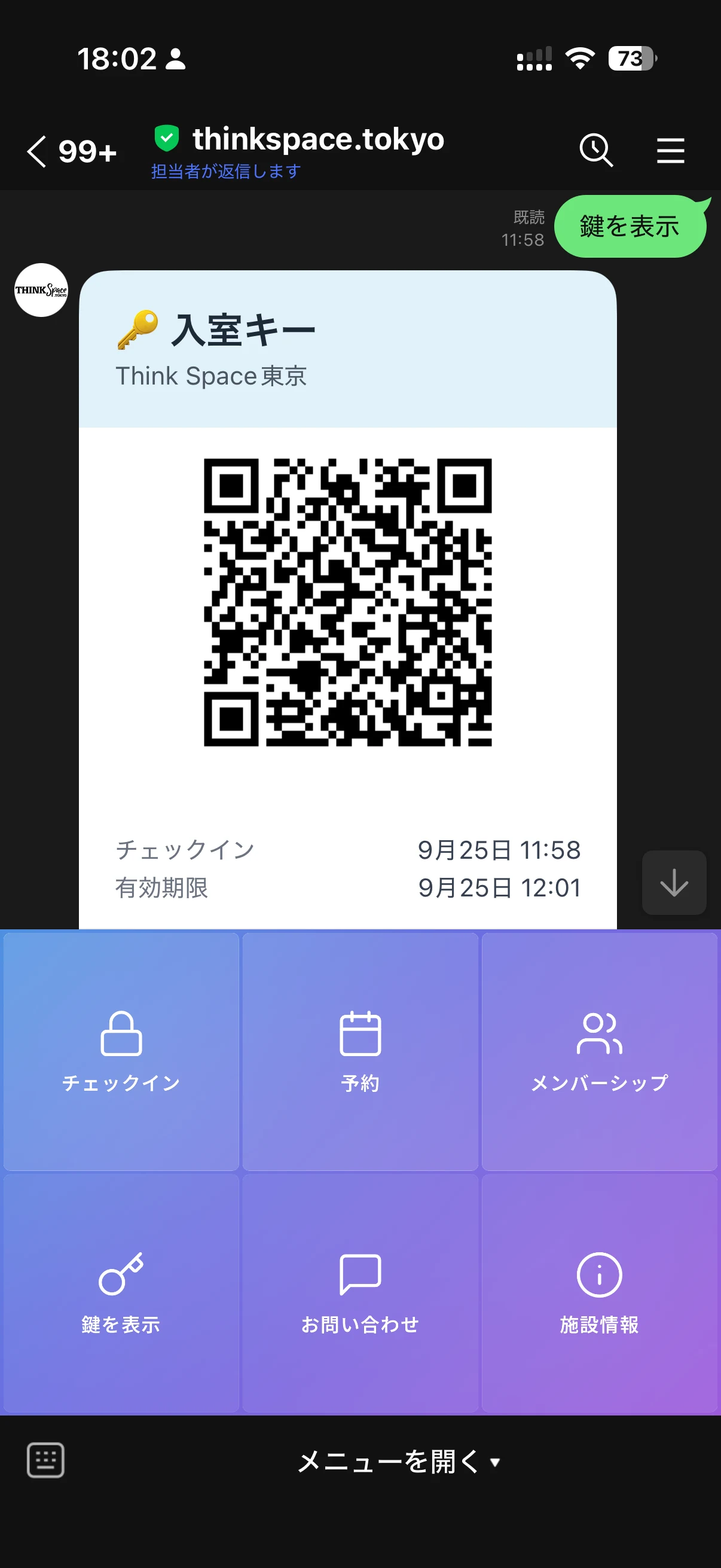
Four taps to the key.
These are the screens your guests actually see. No app, no login, no email to find.
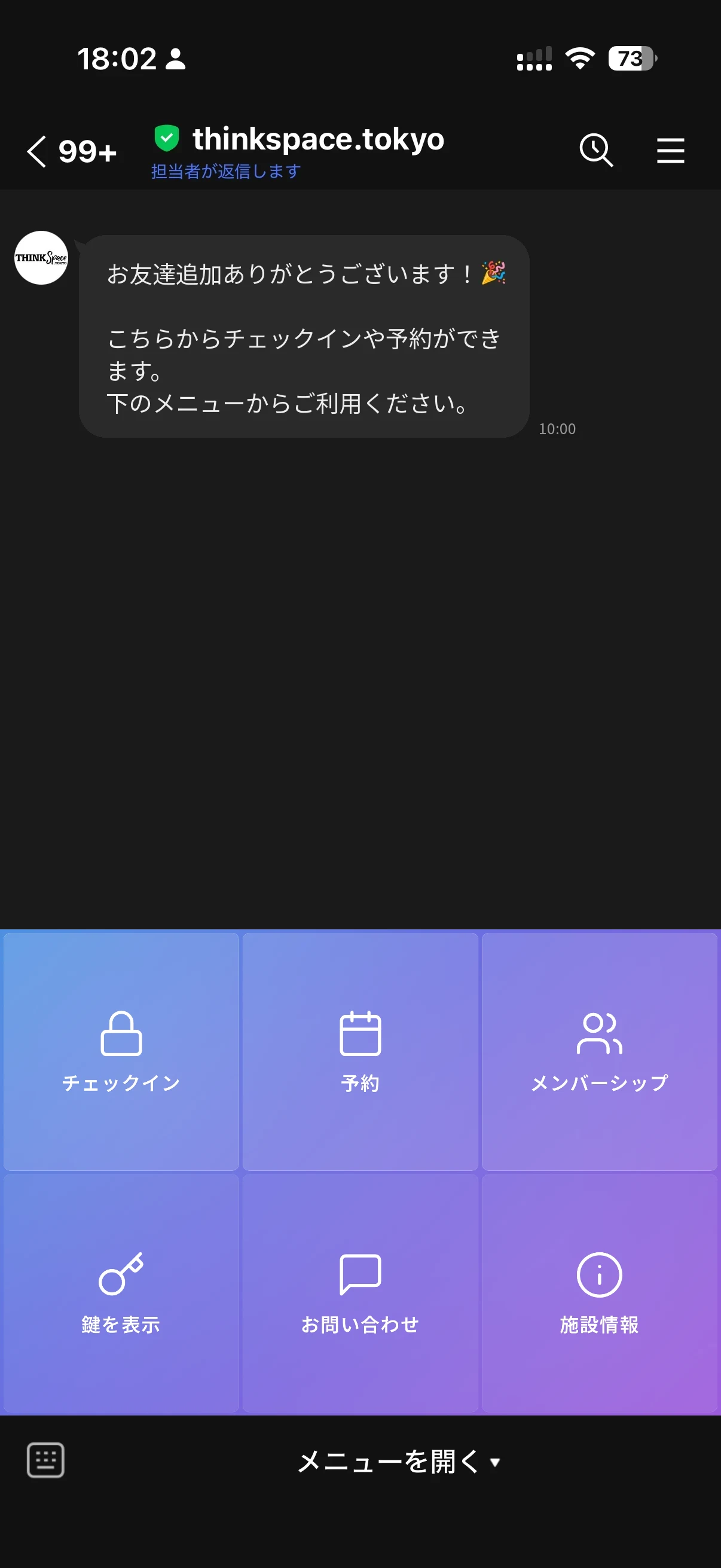 1Add as a friend
Guests add your LINE official account. A welcome and the menu appear.
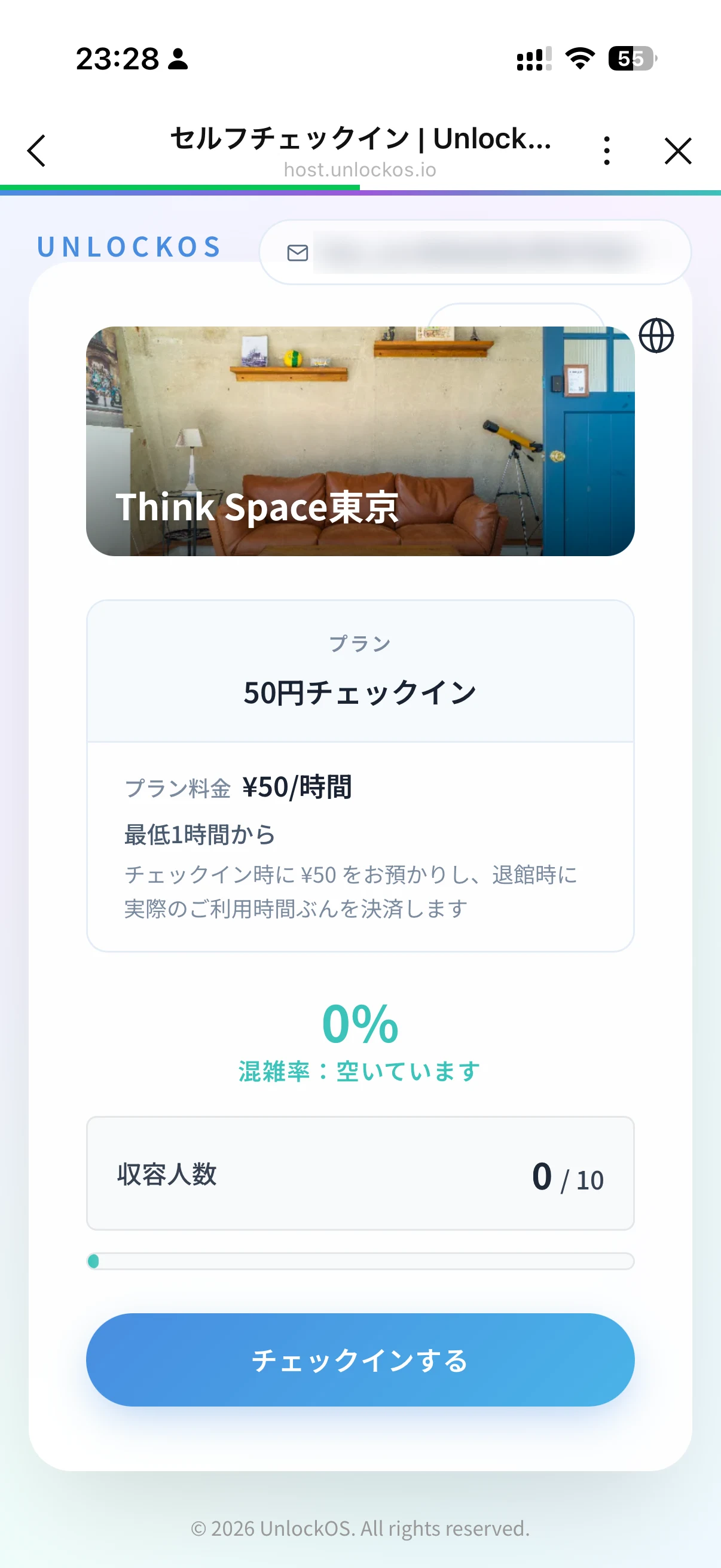 2Open from the menu
The check-in screen opens inside LINE. Check the plan and check in.
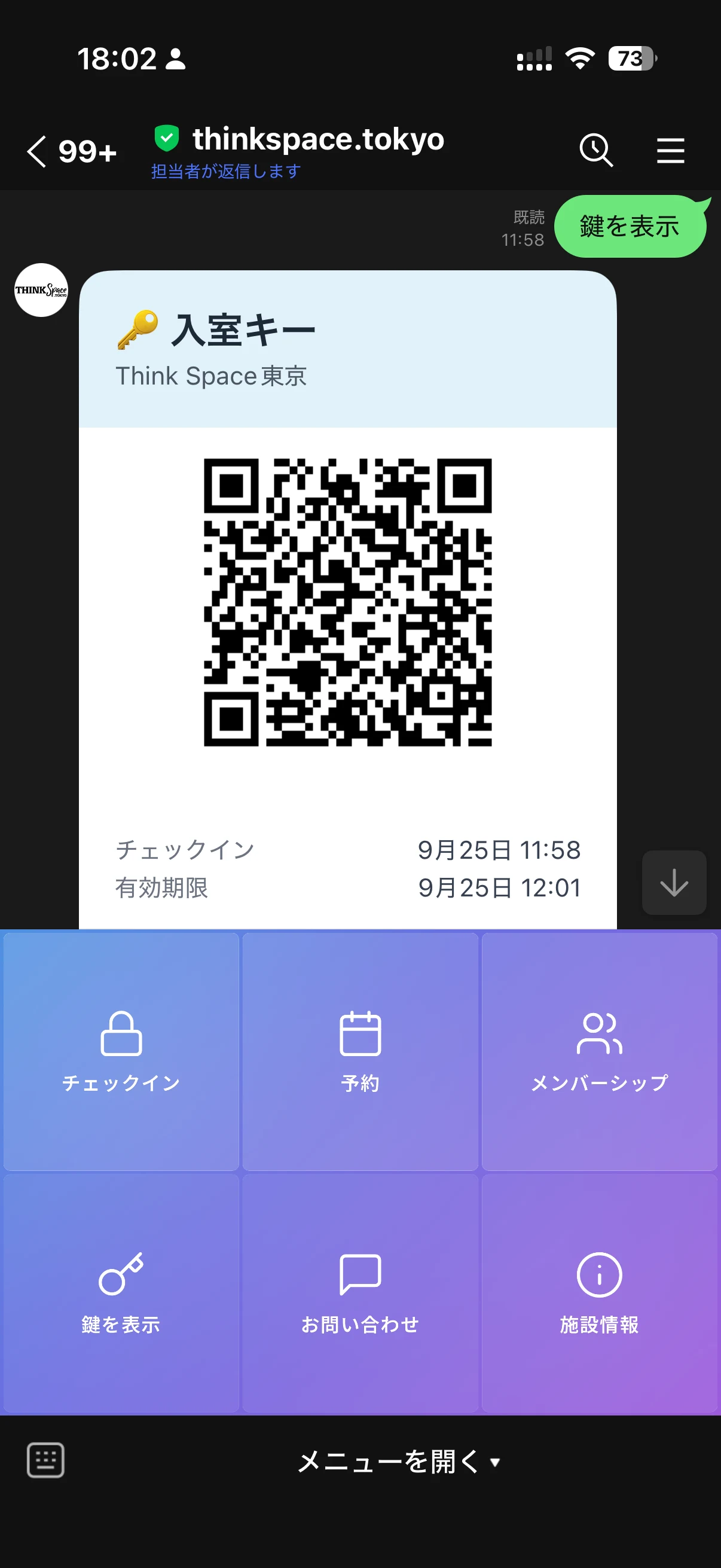 3The key arrives
The key (QR or PIN) lands in the chat. Show key brings it back any time.
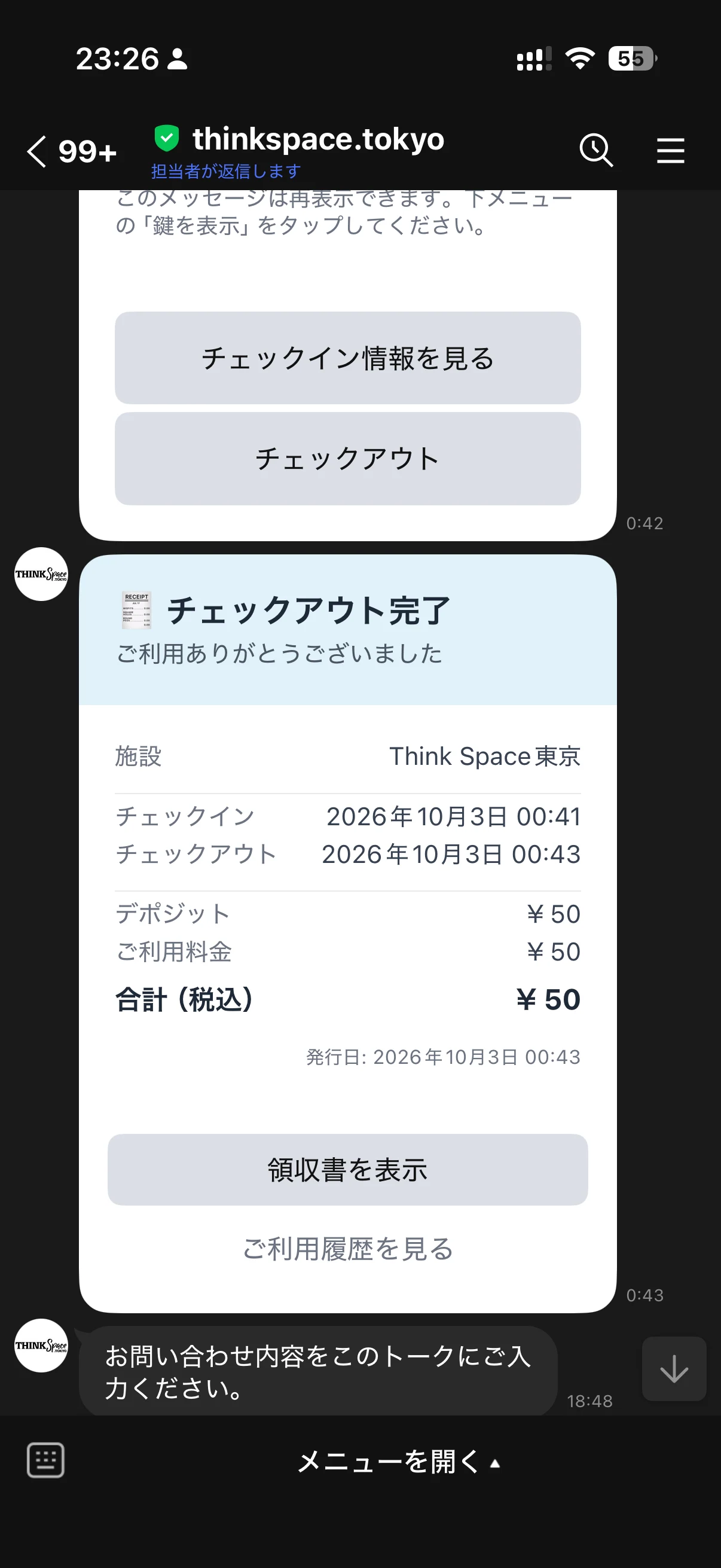 4Check out in the chat
One tap to check out. The key stops and a receipt arrives.
Screens are shown in Japanese. Facilities set to English get the same screens in English.
Try it in LINE now.
Add the demo facility's LINE account and run these four taps yourself.

Demo facility
Sorairo Private Dog Run
- 1Add the account as a friend
- 2Open Check-in from the menu
- 3Pay with the test card
- 4The key arrives in the chat
Test Card Numbers
Card Number
4242 4242 4242 4242
Expiry
12/30
CVC
123
* Stripe test mode. No actual charges.
The demo account's menu and messages are in Japanese.
A menu that fits your business.
Pick three of check-in, booking, membership and ticket books for the menu under the chat. The image is made for you.
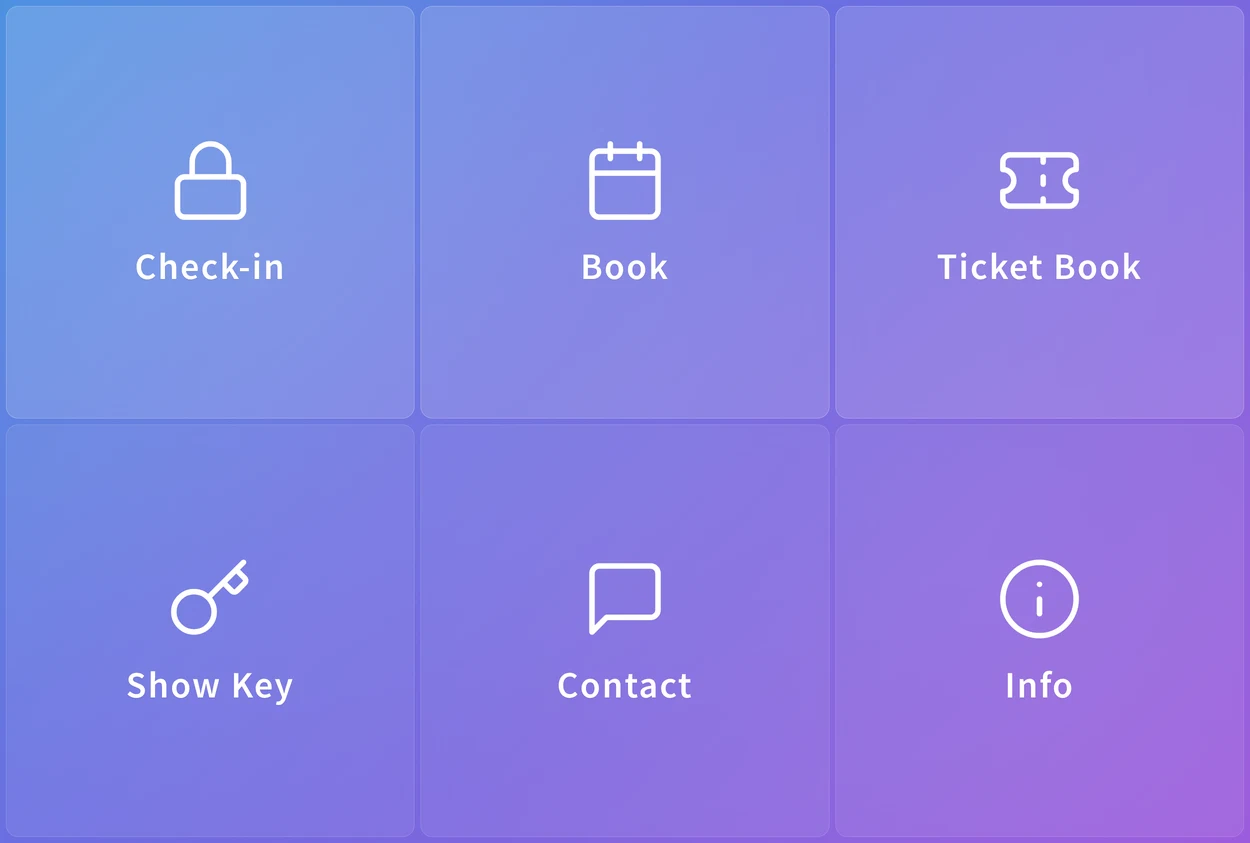
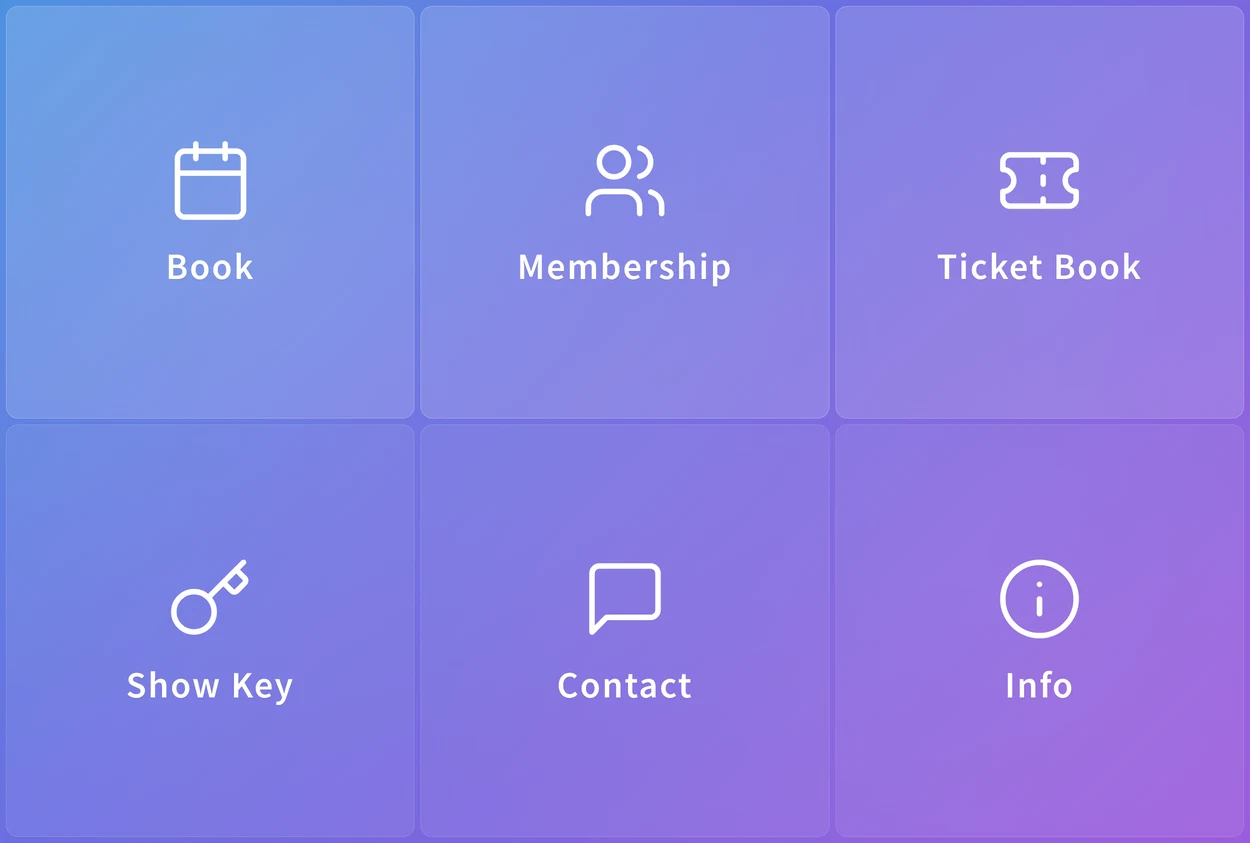
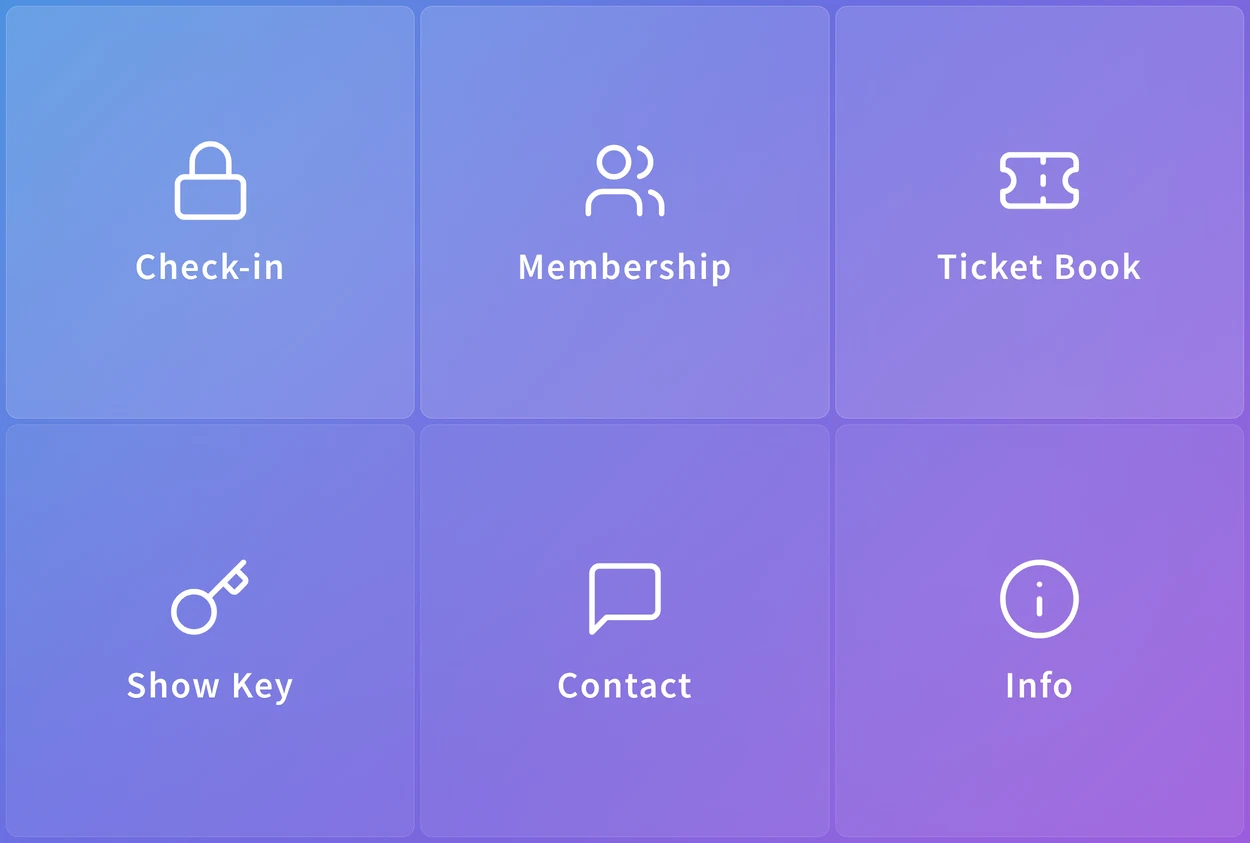
For guests and for staff.
Messages from booking to checkout go to the guest's LINE; check-in and checkout alerts go to your staff's.
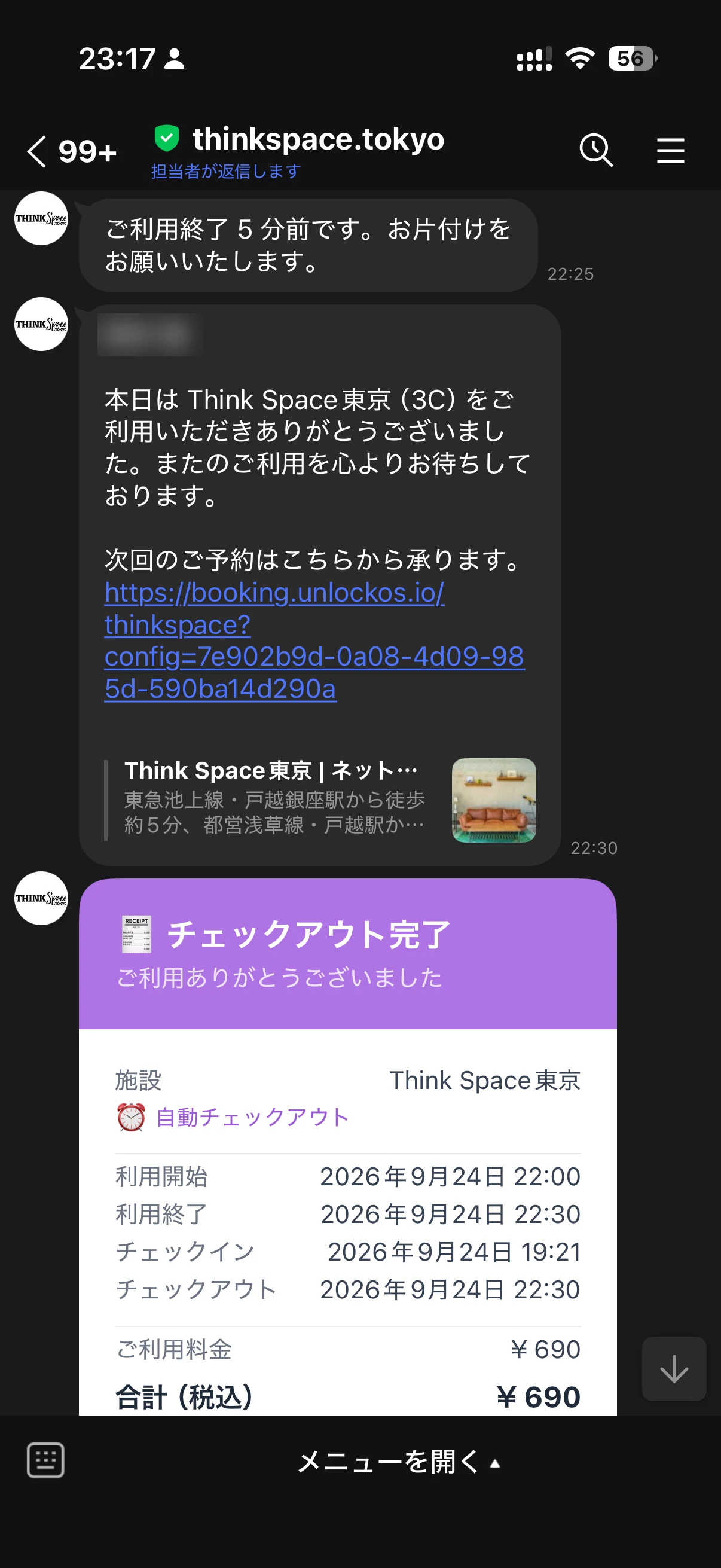
Booking confirmed, day-before notes, a heads-up before the end, the receipt
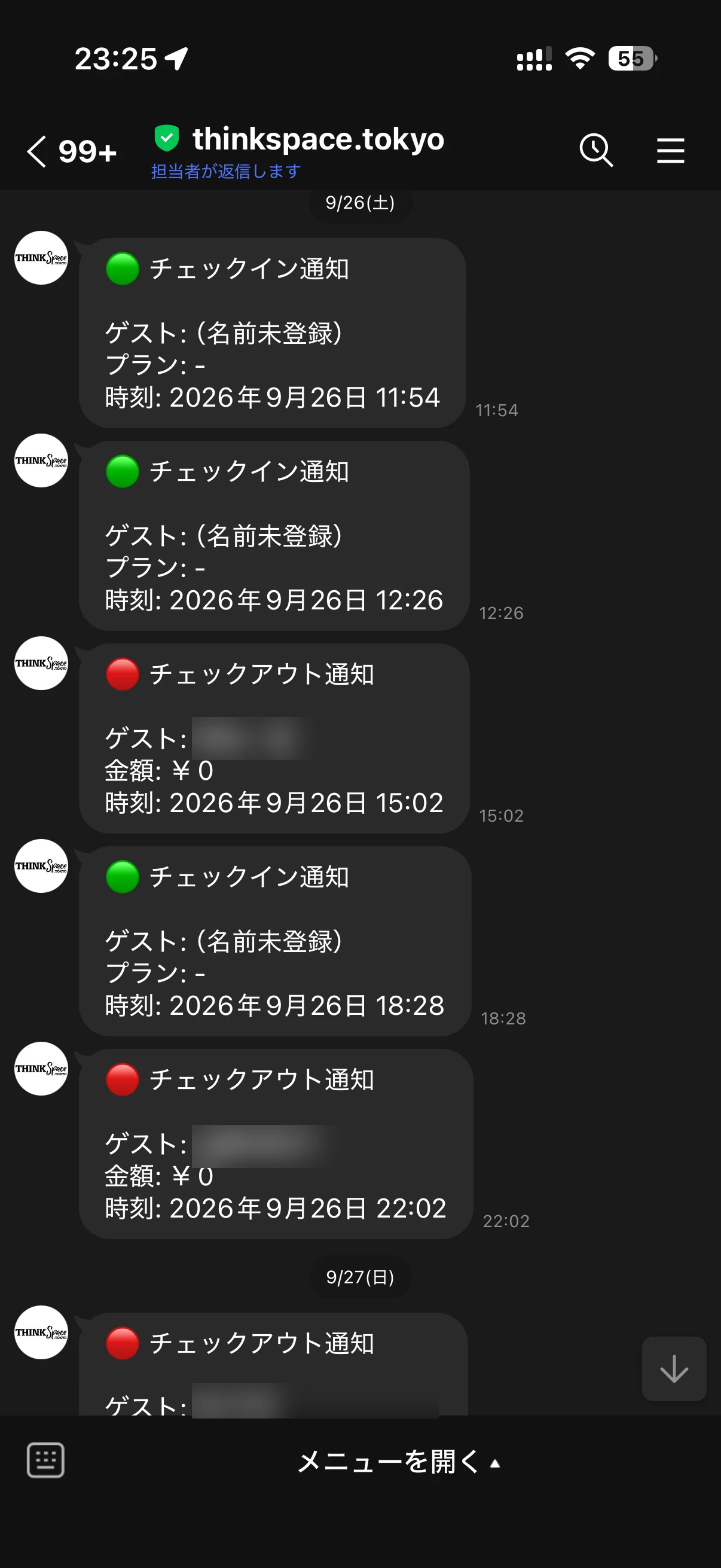
Each check-in and checkout, with the guest's name and time
Existing members come along.
Members who signed up on the web enter an email code once, then keep member prices whenever they open from LINE.
Four steps to set up.
Follow the steps in the dashboard. UnlockOS takes care of almost everything on the LINE side.
- 1Create a LINE official account
- 2Turn on Messaging API
- 3Paste in the details
- 4Choose your menu
- Webhook
- Menu image
- In-LINE screens
Common questions
Does adding us as a friend deliver the key?
No. Once a guest opens any screen from the menu, their LINE starts receiving it.
Do existing members keep member prices?
Yes, after entering an email code once. Their notifications then go to email.
What about guests who booked on the web?
They get email.
Can one LINE account cover several facilities?
One account per facility.
Can we send broadcasts?
UnlockOS sends booking and stay messages. Use your LINE official account for broadcasts.
Does Apple Pay work inside LINE?
No. Guests can pay by card, PayPay and more.

Ready to monetize your space?
Join property owners who automated their operations with UnlockOS.